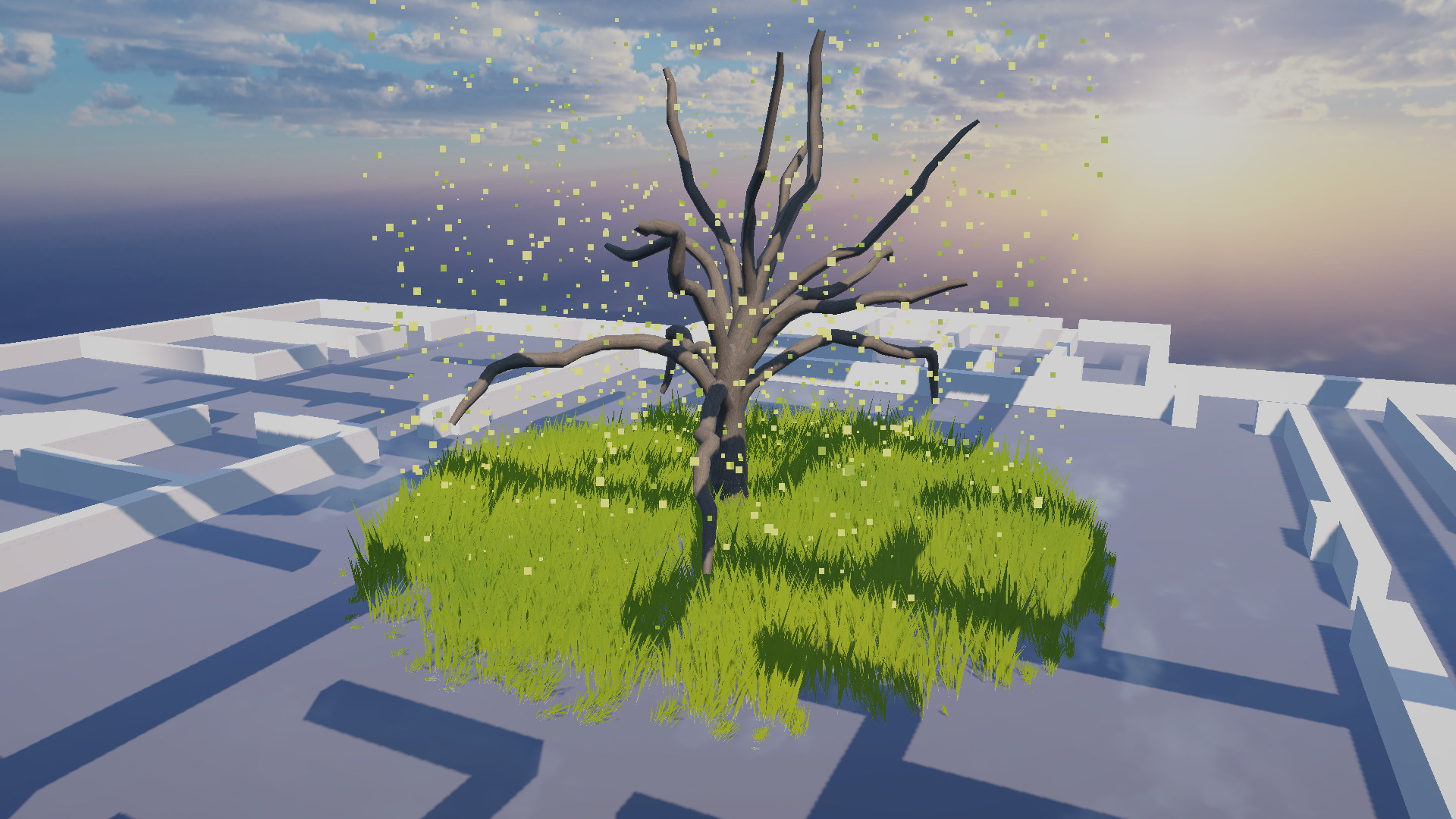
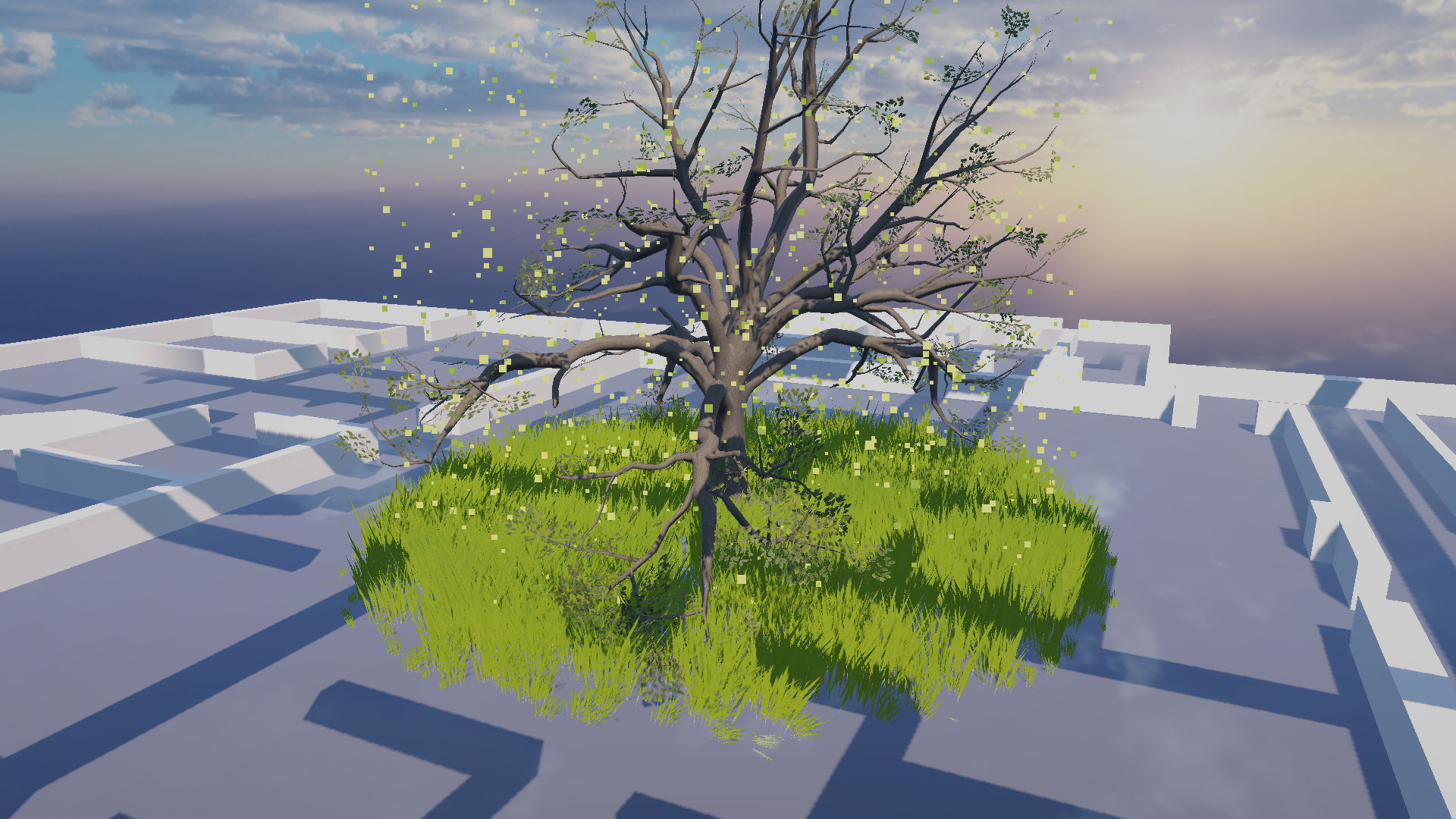
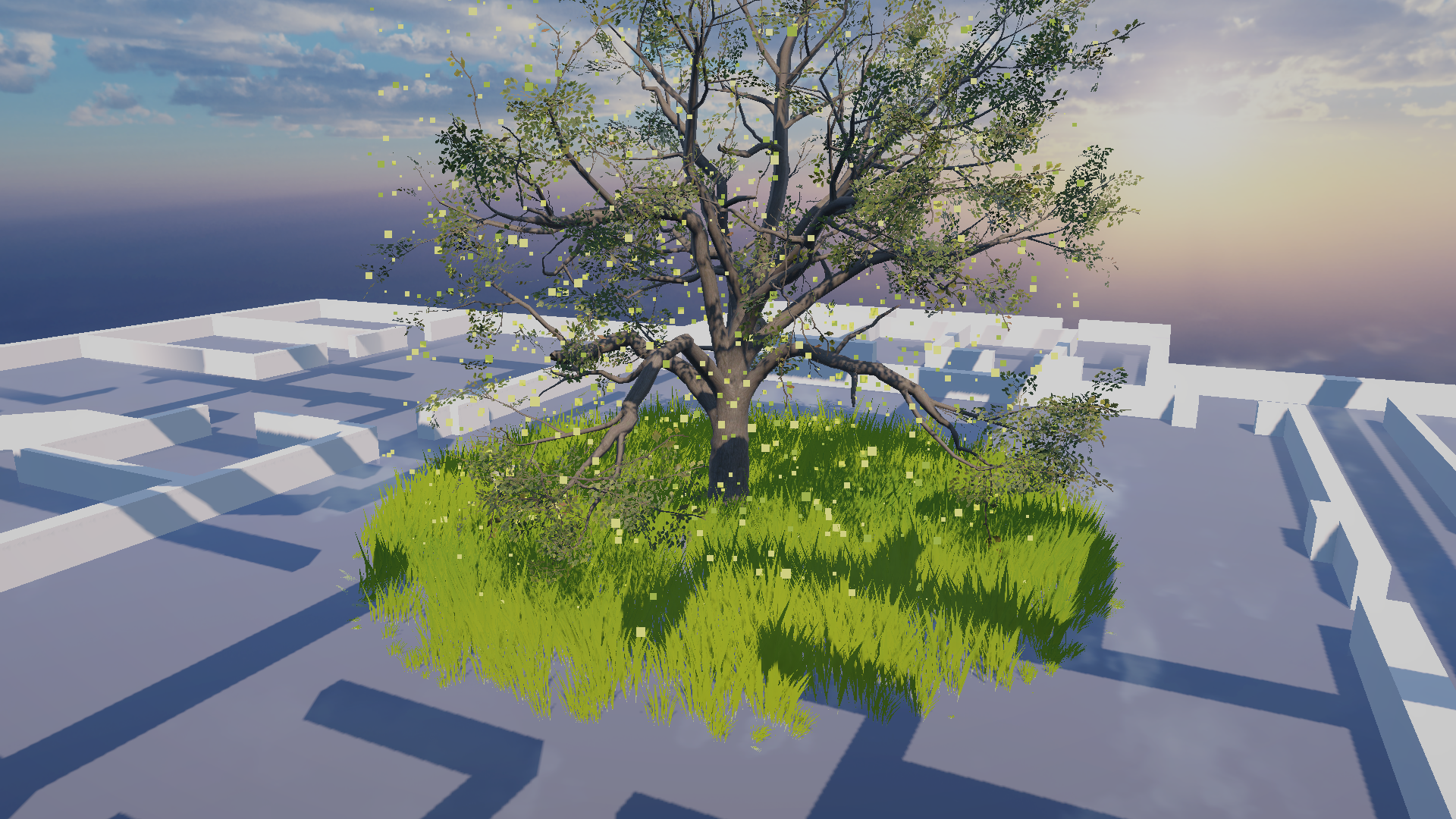
Tree and Ground Growth
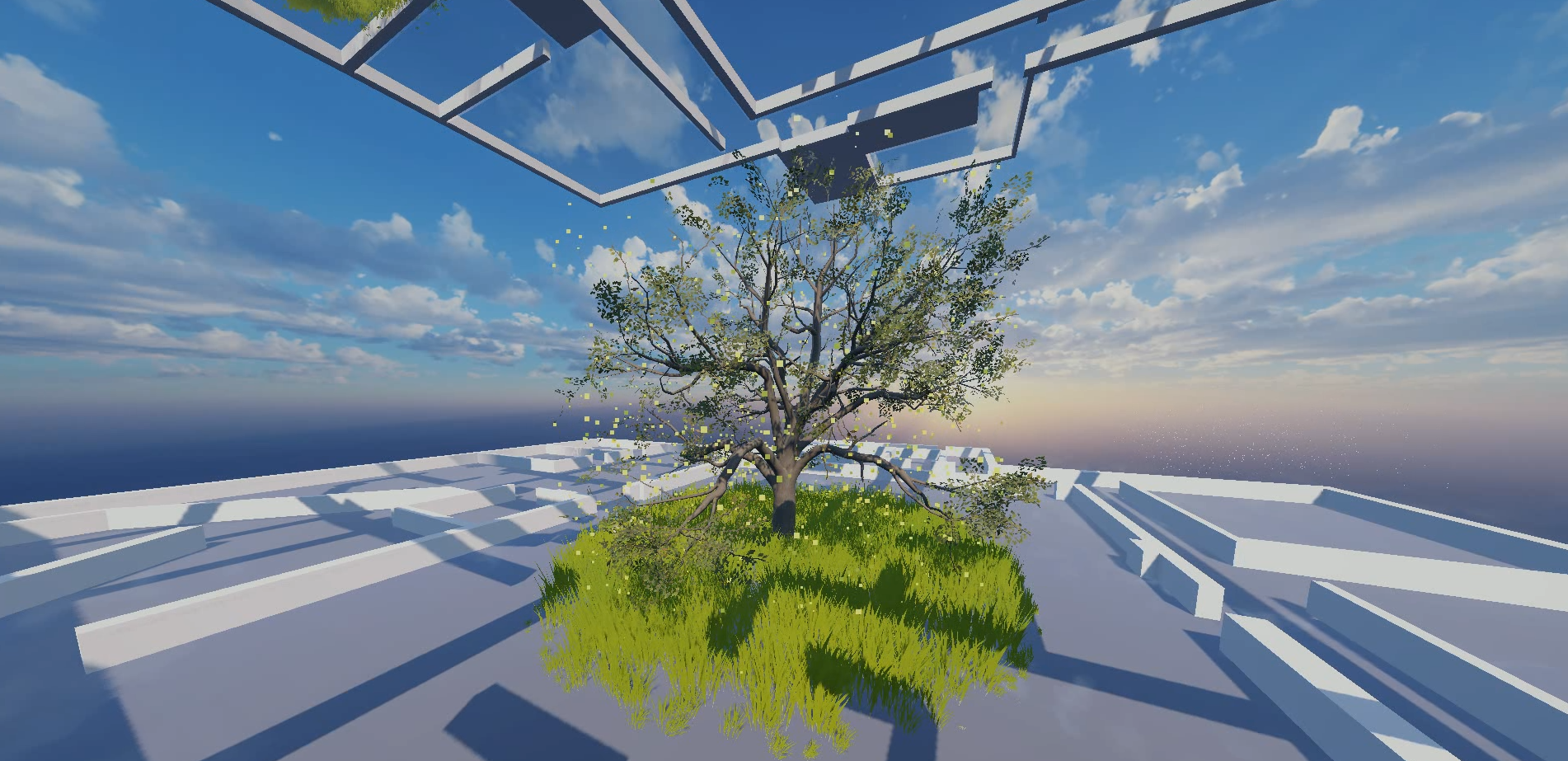
Detected people counts are smoothed into biomass values. Biomass controls how dense each micro-zone becomes, including the custom four-stage SpeedTree oak, grass coverage, and growth/decay timing.
Data Forest is a live visual system where human activity becomes ecological behavior. Camera-based metrics do not just display as numbers; they are translated into growth, particle density, wind motion, weather, and atmosphere inside a Unity forest.
The core idea is simple: more people, more life. A quiet building produces a calmer forest. A busy building produces denser vegetation, more motion, and more environmental activity.
Detected people counts are smoothed into biomass values. Biomass controls how dense each micro-zone becomes, including the custom four-stage SpeedTree oak, grass coverage, and growth/decay timing.
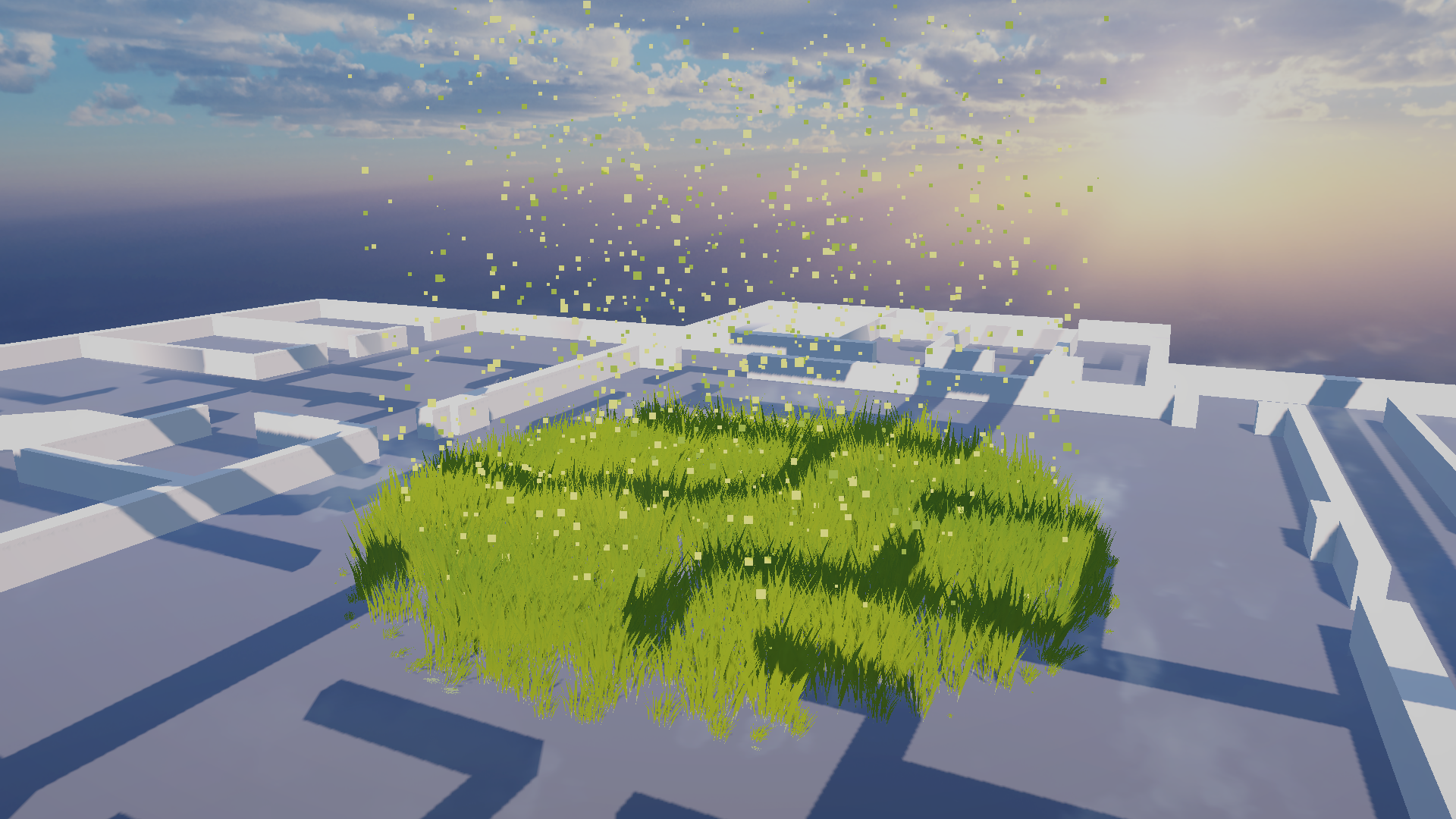
Noise values connect directly to the particle system, driving firefly-like particles, drifting points, and ambient visual texture. These effects make the forest feel alive even when growth is low.
Movement metrics can be mapped to wind intensity, giving the scene a physical response to crowd energy. The grass and tree assets share the same wind rate and direction, so motion reads as one coherent environment.
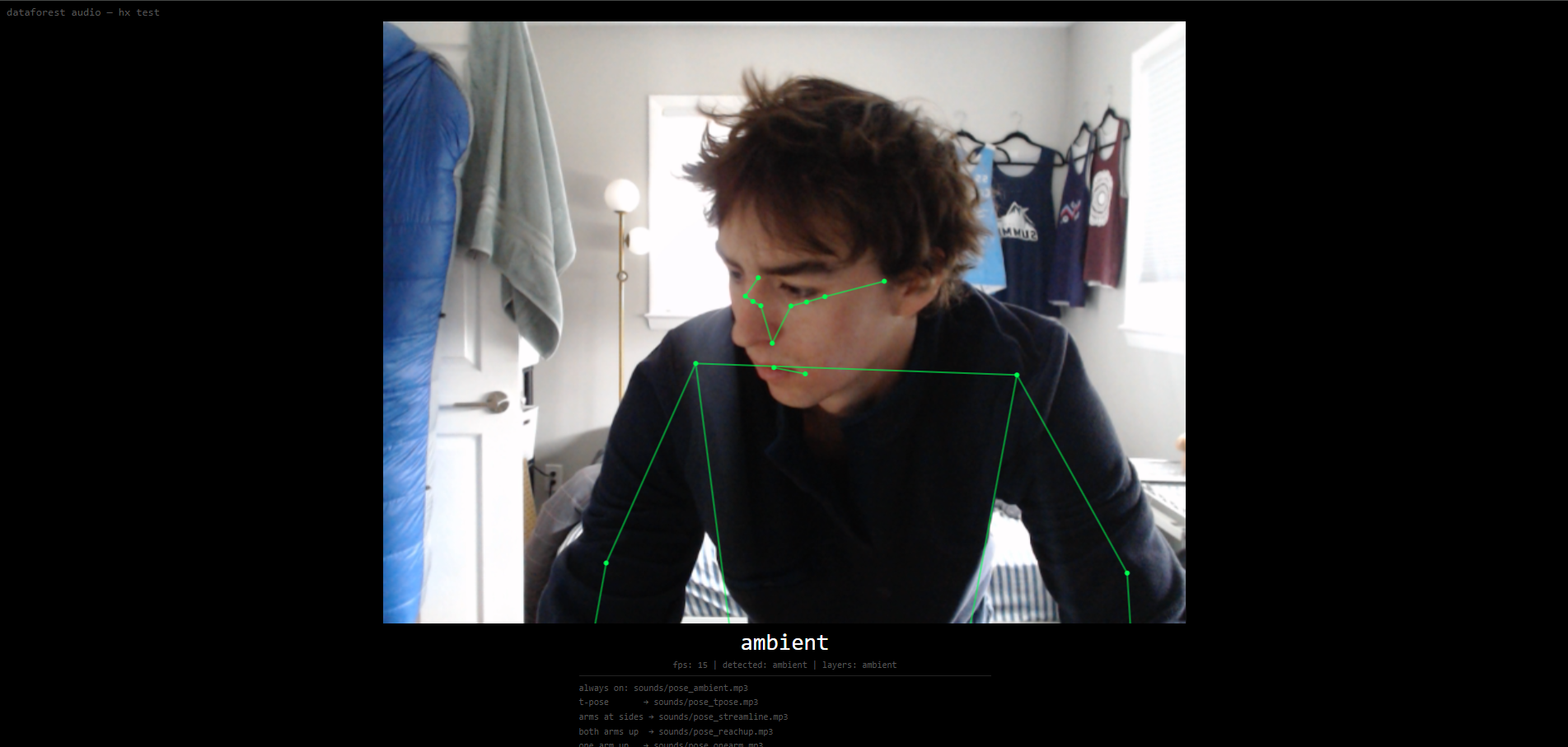
In addition to passive building-wide data, Data Forest includes a more direct interactive layer. A camera near the installation can detect viewer poses and trigger real time responses within the render, including rain and immersive audio. The rain system works with a reactive sky asset, turning the audience from a data source into an active participant in the weather of the scene.
Pose detection / installation-camera media slot.
Short rain demo showing a single zone orbit with the weather system active.
Show counts rising and vegetation growing.
Show particle behavior responding to noise.
Show canopy or grass motion responding to movement.
Add camera-side footage showing the gesture that triggers the rain response.
Add final physical setup and expo documentation.
Add final camera/server/Unity architecture diagram.
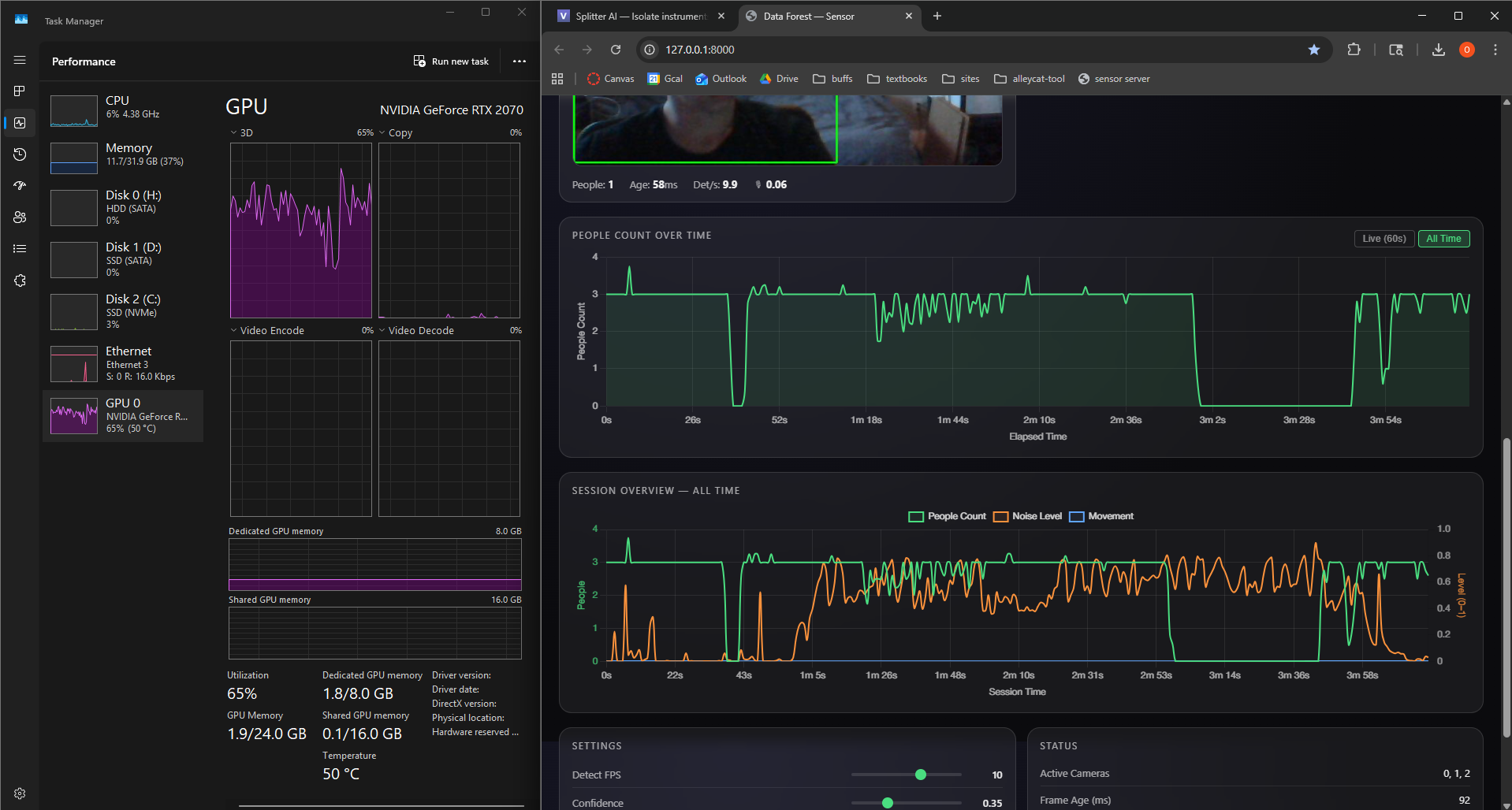
Webcams observe selected zones and provide frame data to the detection server.
Python, OpenCV, and YOLOv8 process camera frames and compute people-count metrics.
FastAPI exposes per-camera values, aggregate counts, smoothed values, and health state.
Unity polls the HTTP endpoint and converts the current metrics into normalized control values.
Micro-zone controllers drive four-stage tree growth, grass coverage, noise particles, synchronized wind, weather, sky state, camera behavior, and ambience.
The vision layer captures webcam frames, detects people, and produces simple metrics that the render system can use without storing identity information.
The server exposes the current system state through HTTP. This makes the data path inspectable in a browser and straightforward for Unity to poll.
Unity owns the live 3D world. C# scripts map incoming metrics into biomass, particles, wind, rain, camera movement, and other environmental behaviors.
Custom SpeedTree oak tree assets, Asset Store grass and rain systems, architectural geometry, particles, sky behavior, and scene lighting combine to make the data feel like a living terrarium rather than a dashboard.